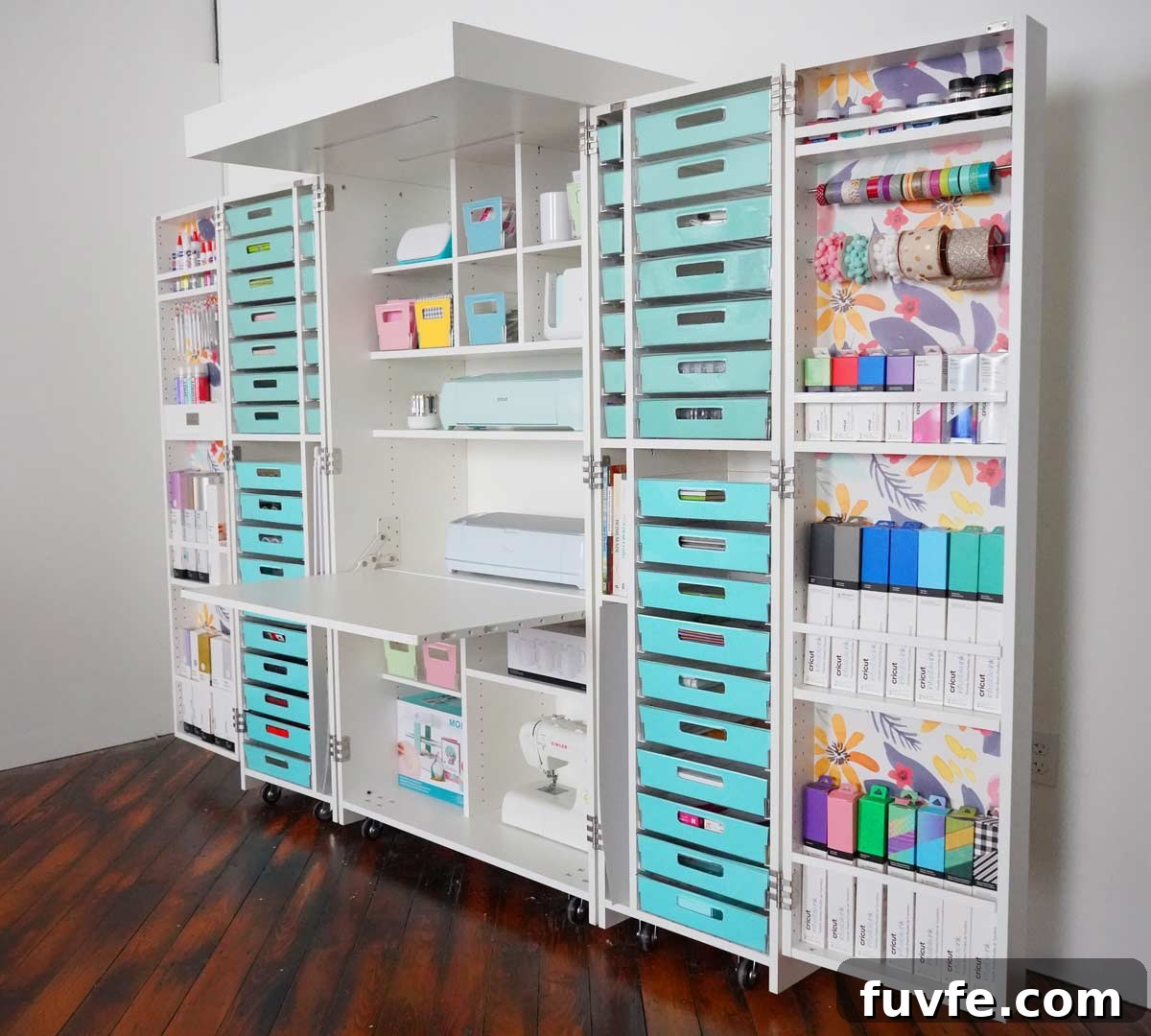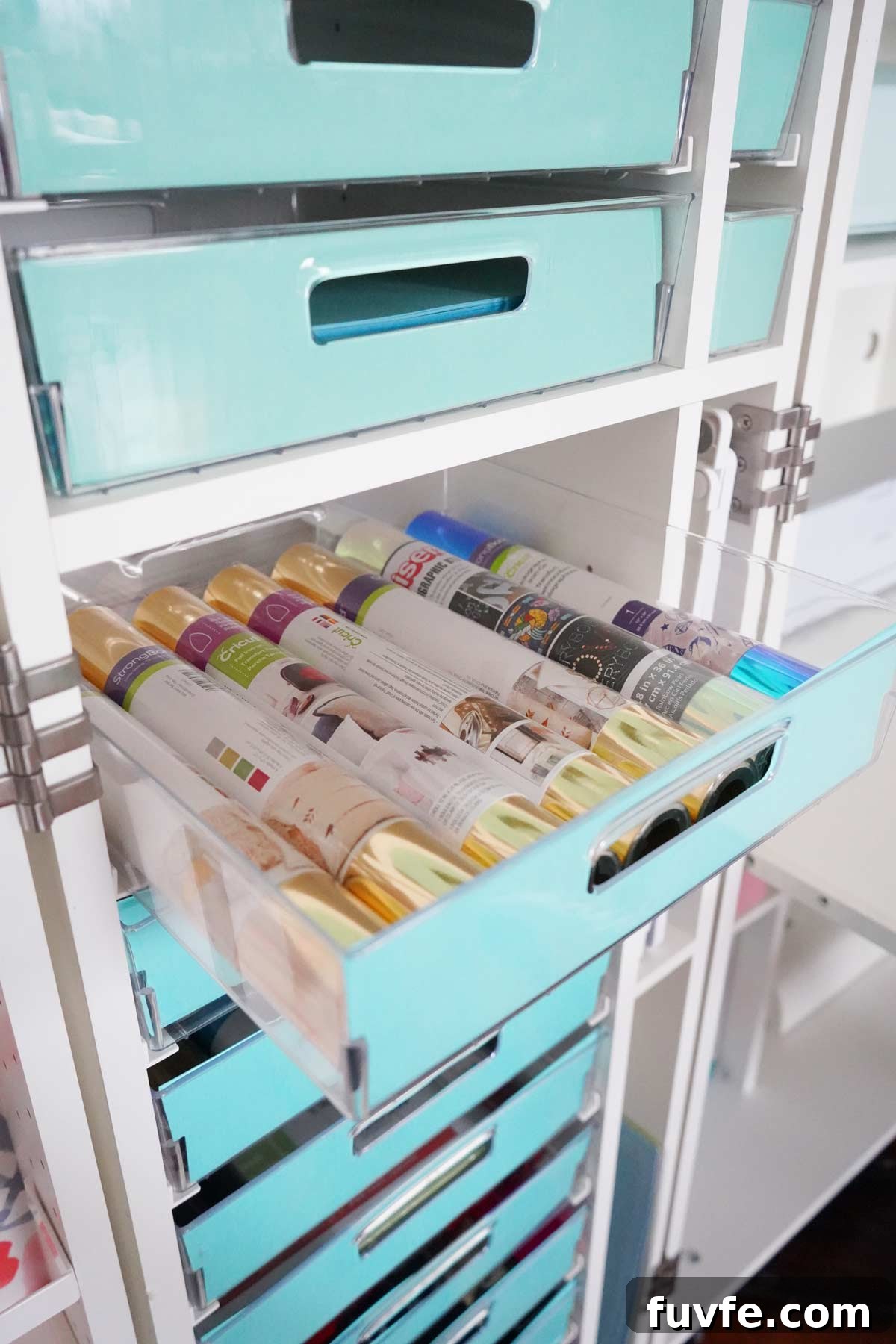
Learn how to make DreamBox covers with your Cricut. This guide includes FREE SVG files and step-by-step instructions to create cardstock tote covers that add personality and polish to your DreamBox craft organizer.
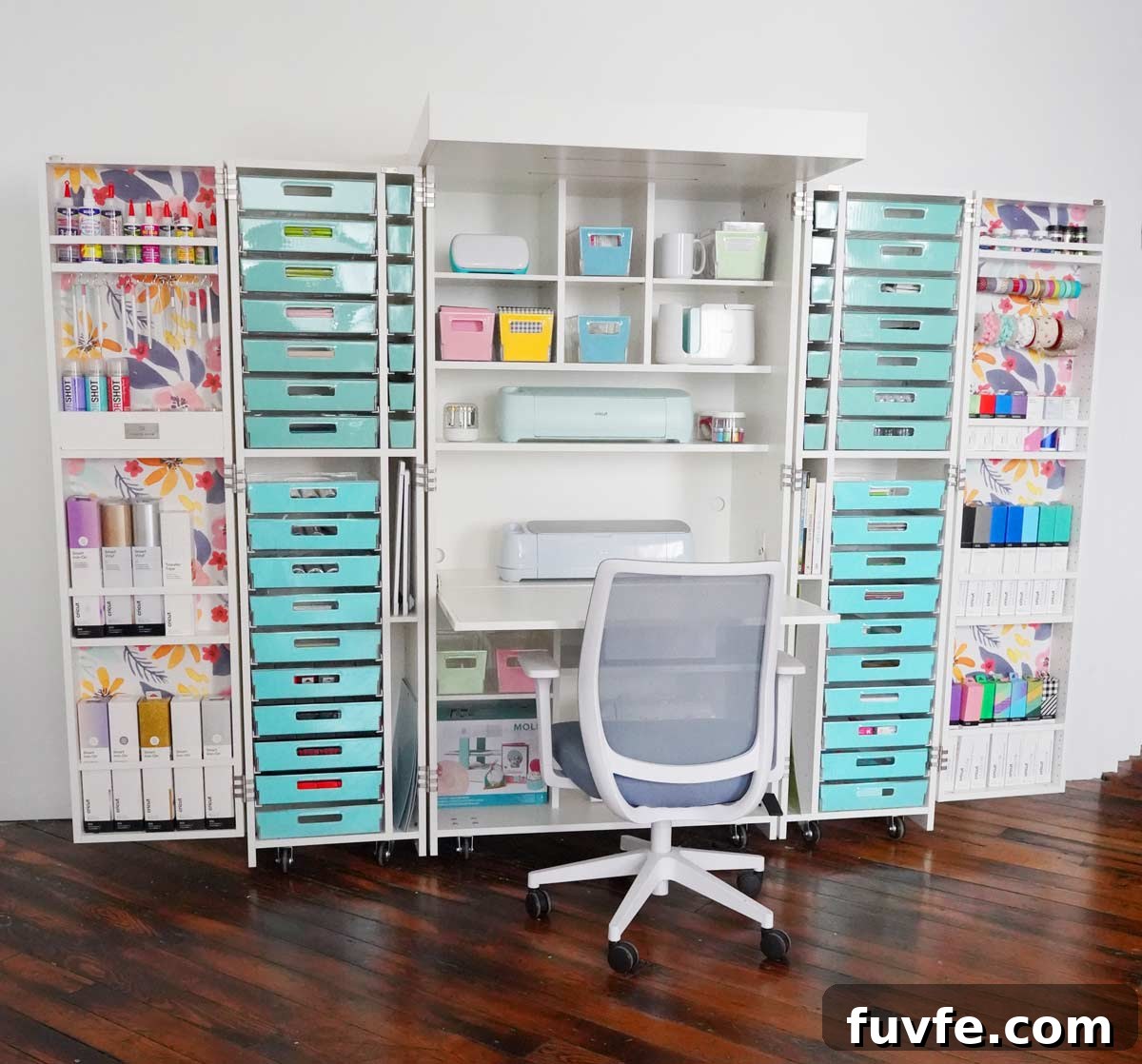
I recently set up a DreamBox 2 and spent time organizing and customizing it with peel-and-stick wallpaper and these cardstock tote covers. The covers are quick to make—roughly an hour for a set—and they transform the look of my organizer. While clear bins are useful for seeing contents, I prefer a cleaner visual that keeps the DreamBox the focal point of my craft room.
These covers are primarily aesthetic, but they give the DreamBox a cohesive, finished look and let you express your style. The project is simple and rewarding even if your goal is just to make your craft space look more curated.
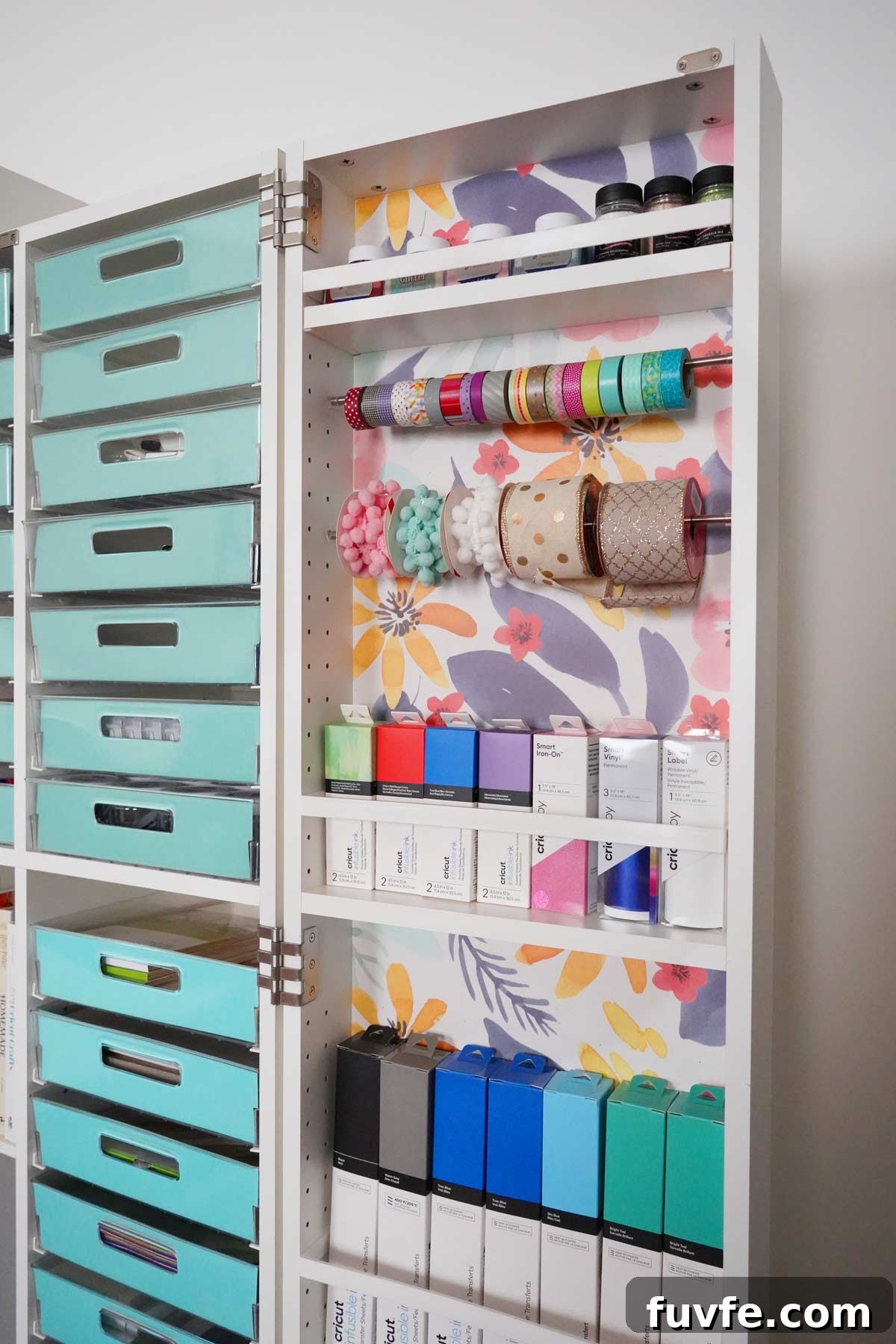
How to add wallpaper to your DreamBox
Adding peel-and-stick wallpaper to the DreamBox doors is straightforward and took me less than an hour. Choose a pattern you like and allow for repeats—my wallpaper required two rolls because of the pattern repeat, and I still had leftover material for future projects. Use careful measuring and slow application to avoid bubbles; a brayer or smoothing tool helps. The wallpaper complements the cardstock covers to create a cohesive finished look.
How to download your free SVG file
To get the free SVG cut file, subscribe with your name and email in the form (you’ll receive the cut file via email). The download is for personal use only. Save the SVG to your computer after opening the attachment so you can upload it into Cricut Design Space.
Please note this file is for personal use only.
How to make cardstock covers for the DreamBox totes with your Cricut
Here’s What You’ll Need
- 65 lb cardstock (or your preferred weight)
- Glue dots or double-sided tape (clear tape from the back also works)
- Cricut Maker 3 or Cricut Explore 3
- Light Grip mat (12×12)
- Brayer (optional, for better adhesion to the mat)
Upload SVG in Cricut Design Space
Download and unzip the SVG file, then upload it into Cricut Design Space using the Upload button on the left toolbar. The SVG set includes three sizes of tote covers. If all covers use the same cardstock color, you can arrange multiple sizes on a single 12×12 sheet to minimize waste.
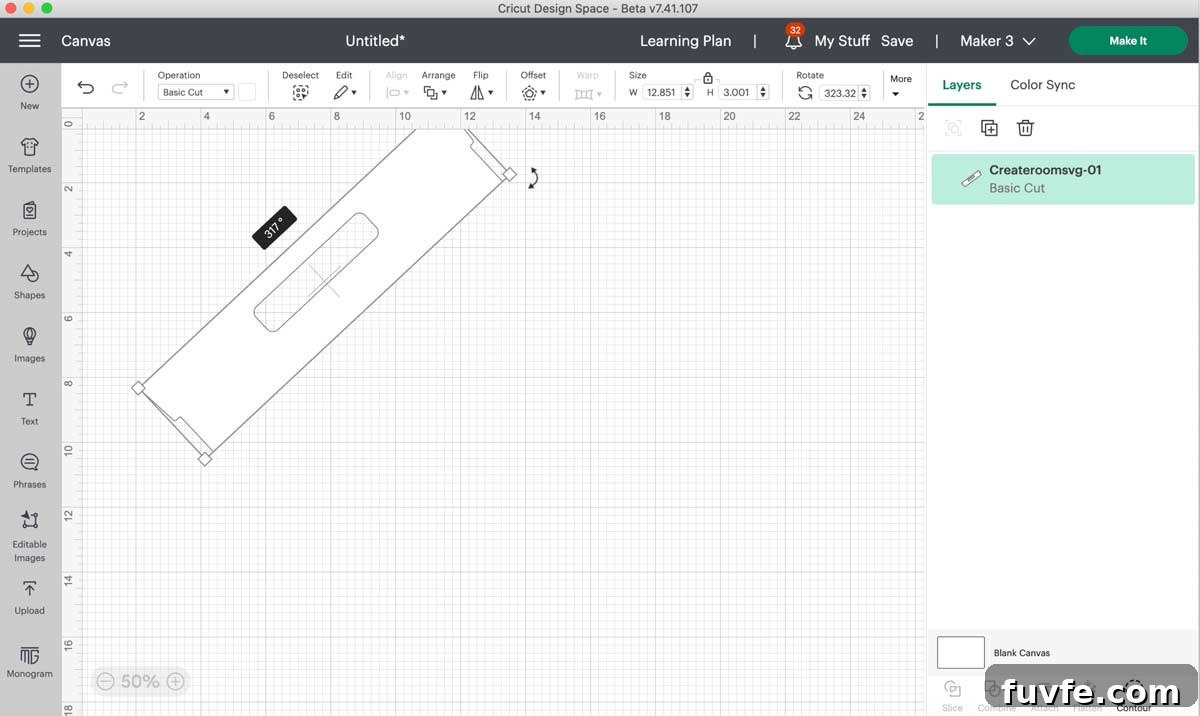
When the large tote appears larger than a 12×12 mat inside Design Space, rotate it to 317º so it fits on a 12×12 sheet. Click “Make It” when ready. Ensure your mat selection is set to 12×12; otherwise, rotate the large piece as indicated.
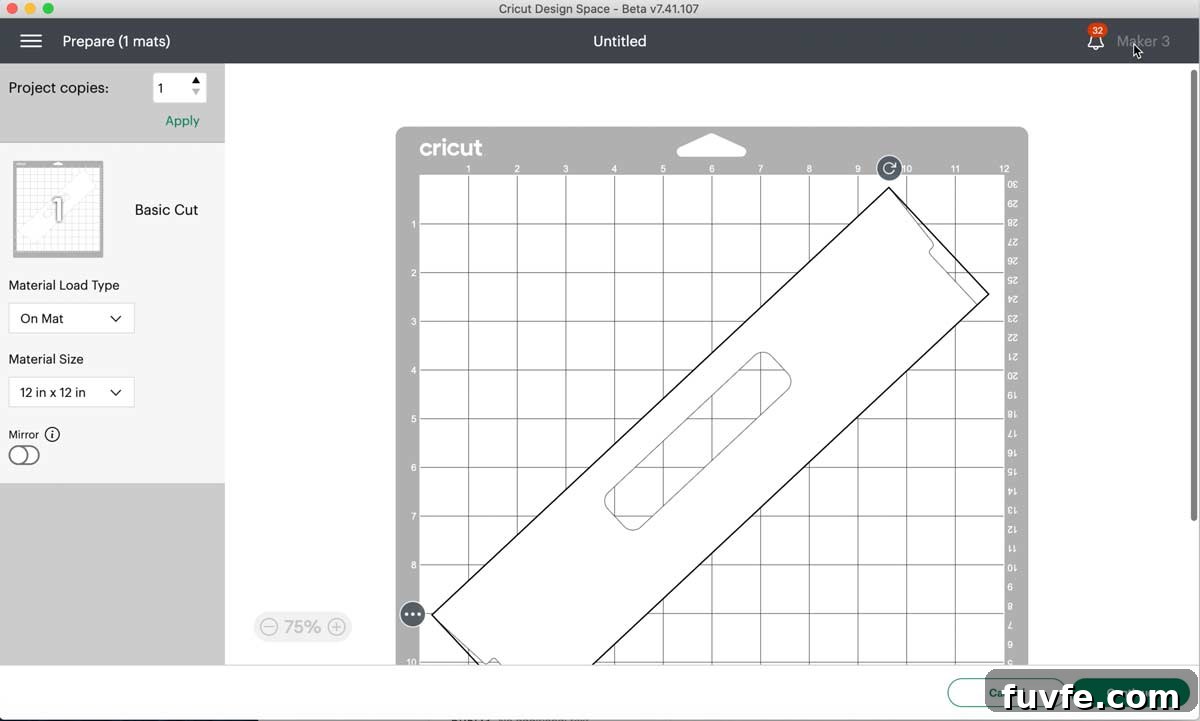
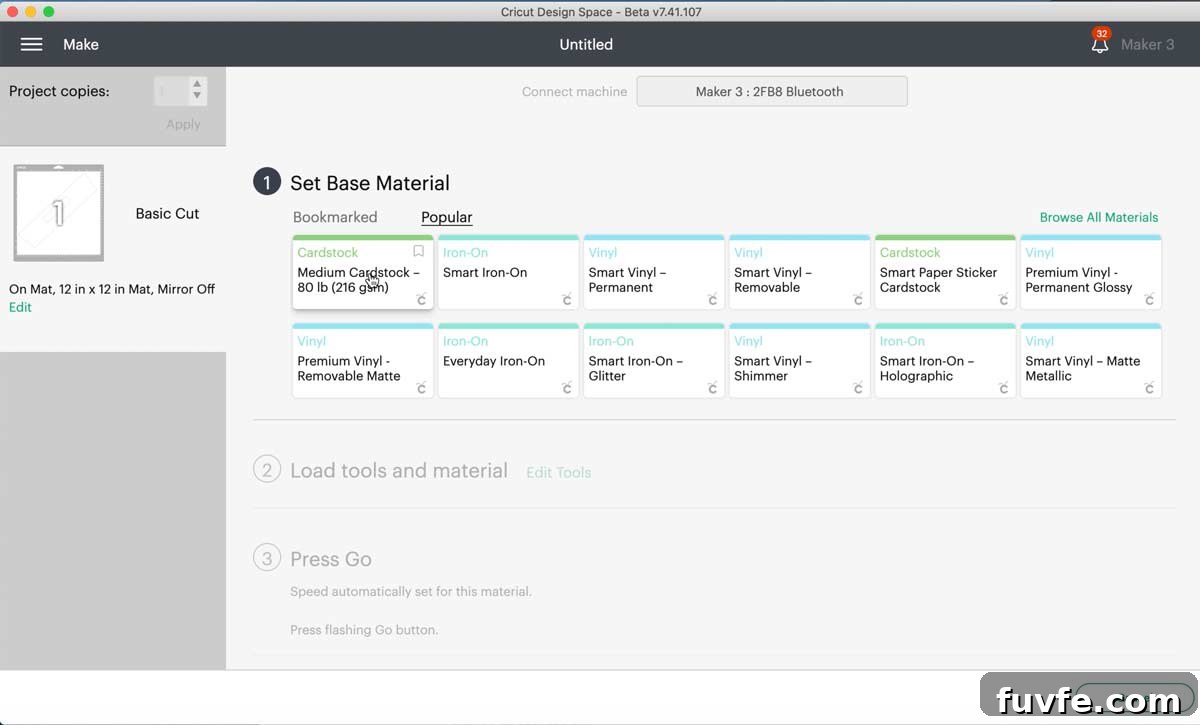
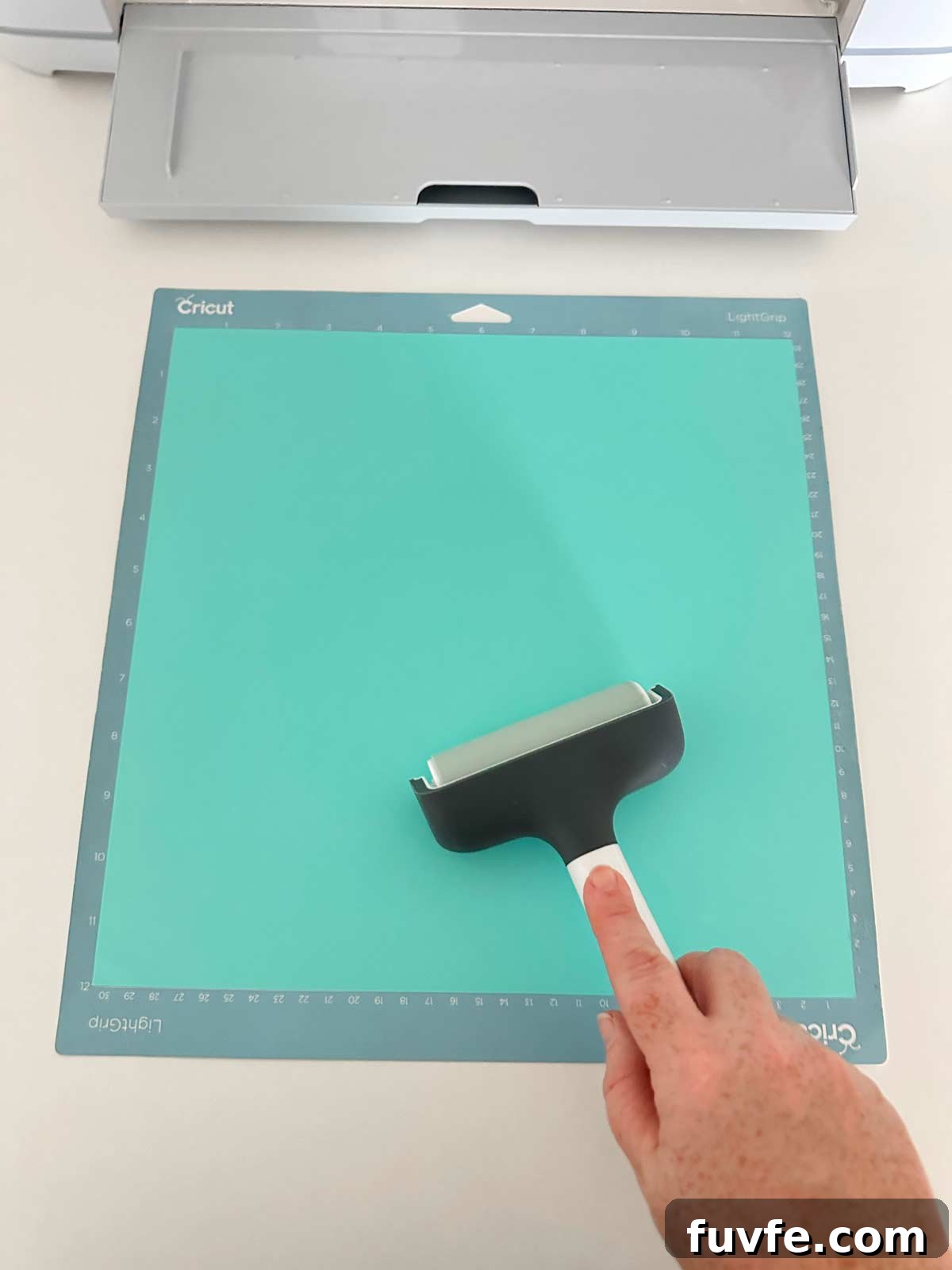
For 65 lb cardstock I use the medium cardstock setting and a fine point blade. Place your cardstock on the Light Grip mat and use a brayer to smooth it down, which reduces shifting during the cut.
Load the mat into your Cricut and start the cut. When the machine finishes and the arrows flash, unload the mat. To avoid curling the cardstock, flip the mat over and peel the mat away from the paper instead of pulling the paper off the mat.
Repeat the cutting process for the number of covers you need. Depending on your DreamBox configuration you might require many covers—up to 80 in some setups. I made just over 55 covers for my layout, so having multiple mats ready speeds the process.
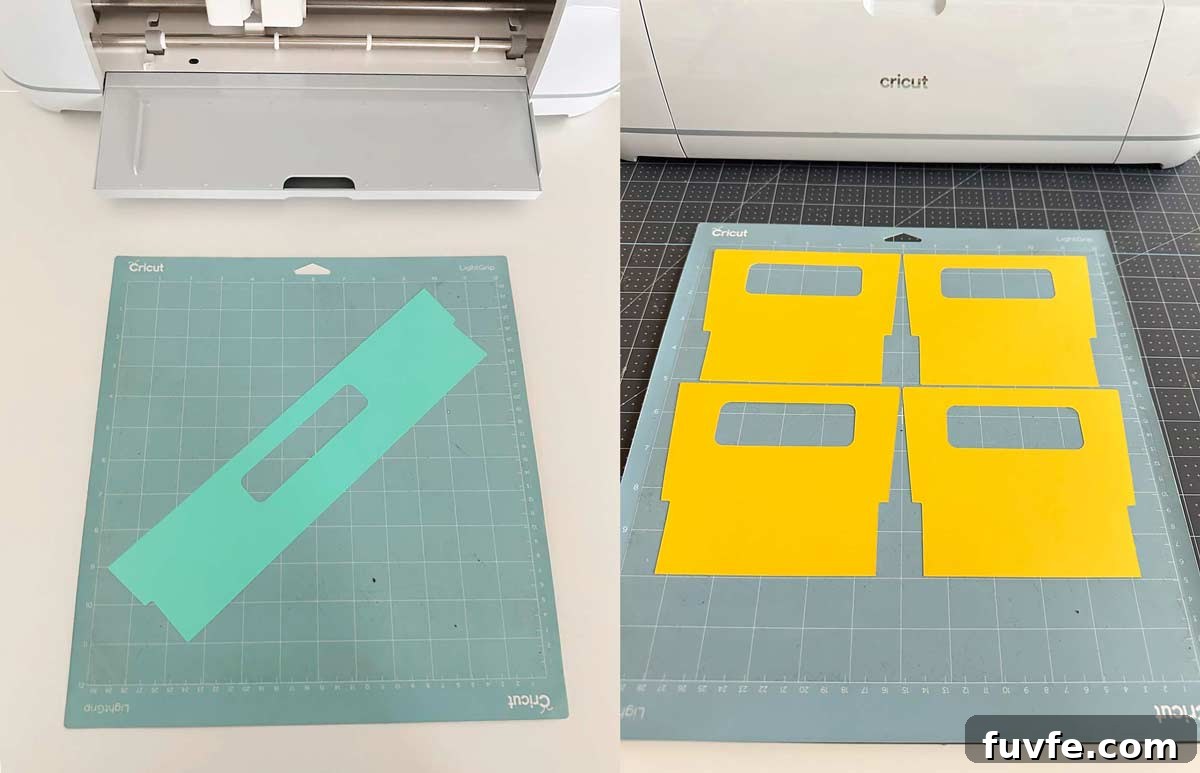
Adding Tote Covers to the DreamBox
The cardstock covers slide into the front of each tote and should fit snugly. Without adhesive they can tip backward, so I recommend applying small glue dots in the top left and right corners or using clear tape on the back to secure them. Glue dots are discreet and hold well while remaining easy to remove if you decide to change designs later.
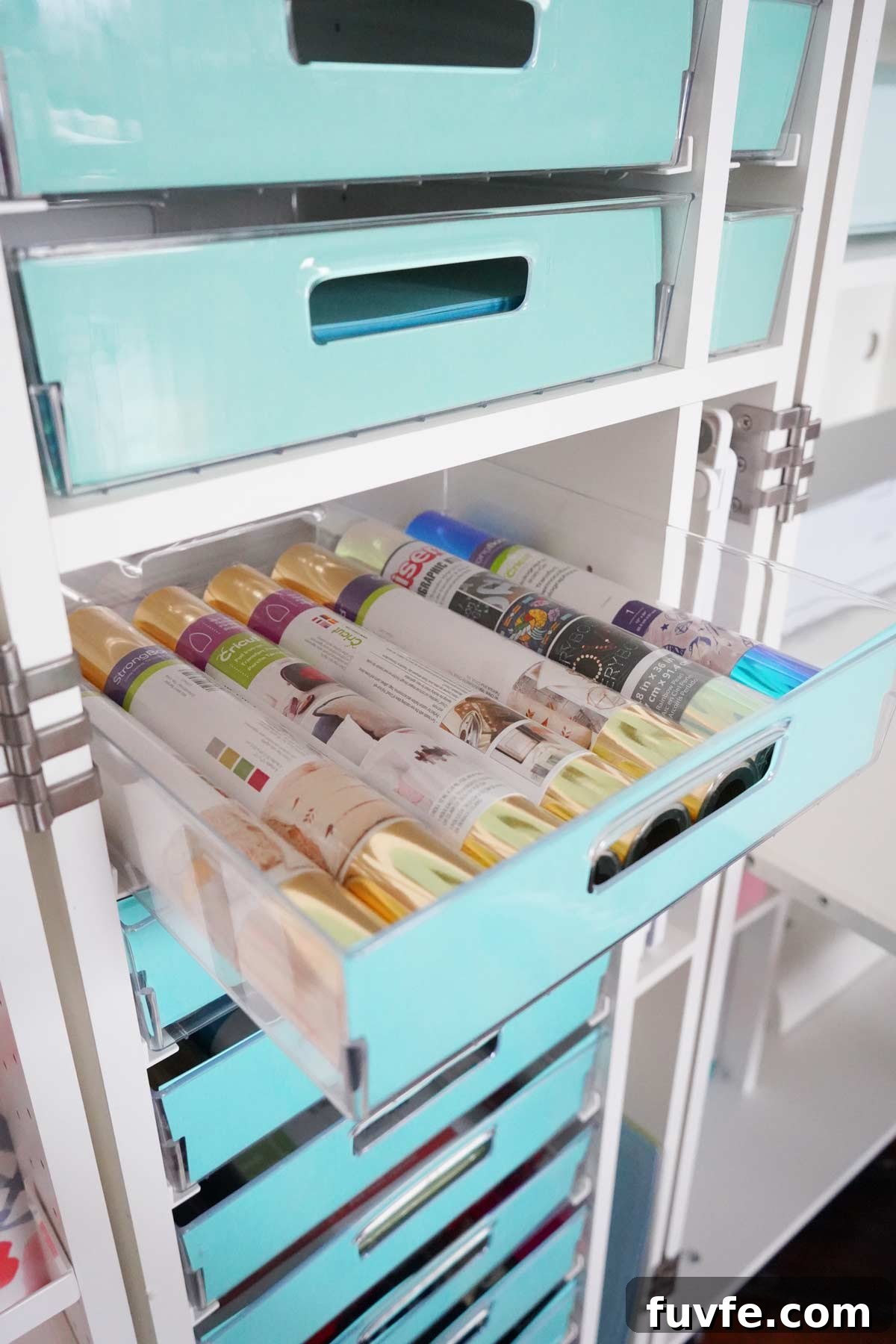
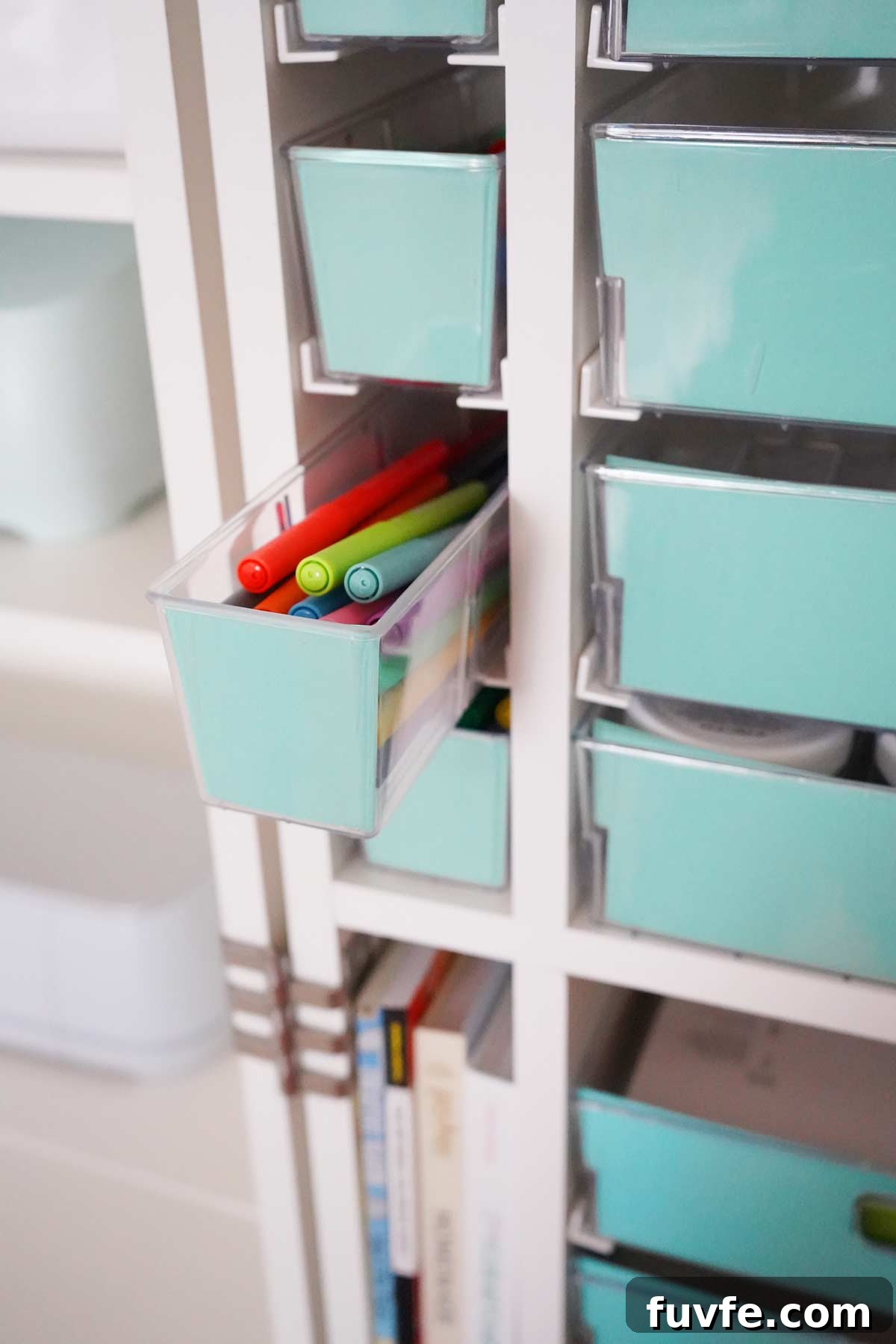
The finished covers coordinate with the wallpaper I added to the doors and give the DreamBox a more personalized, branded appearance. This simple update changed it from a plain storage unit into a stylish accent in my craft room.
Does the DreamBox 2 go on sale?
The DreamBox occasionally goes on sale during the year. If you want to be notified about promotions or discounts, subscribe to updates so you can catch deals and plan your purchase.
DreamBox 2 Discount Code
If you’re purchasing a DreamBox 2, watch for available discounts and promo codes at checkout to save on your order.